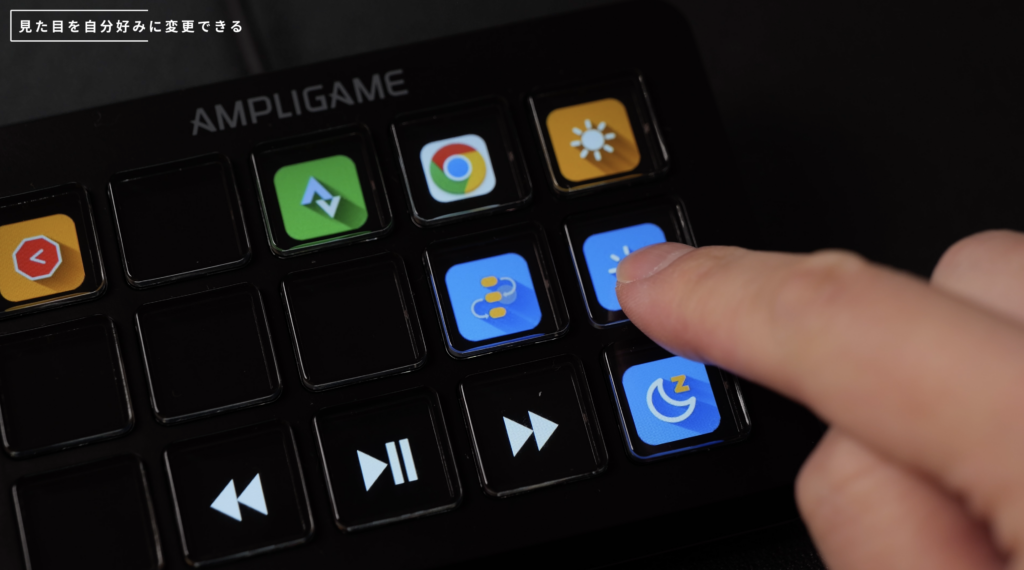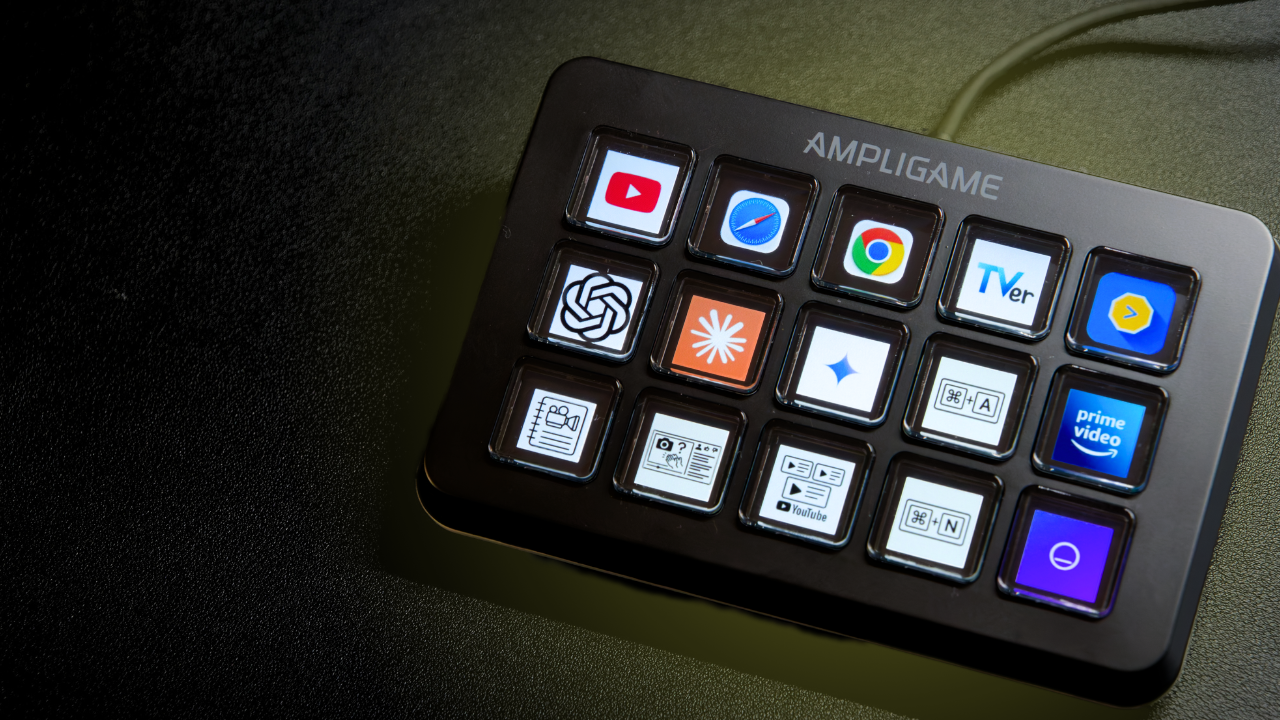
作業環境をワンクリックで立ち上げる“操作フロー”という視点からマクロパッドを紹介。
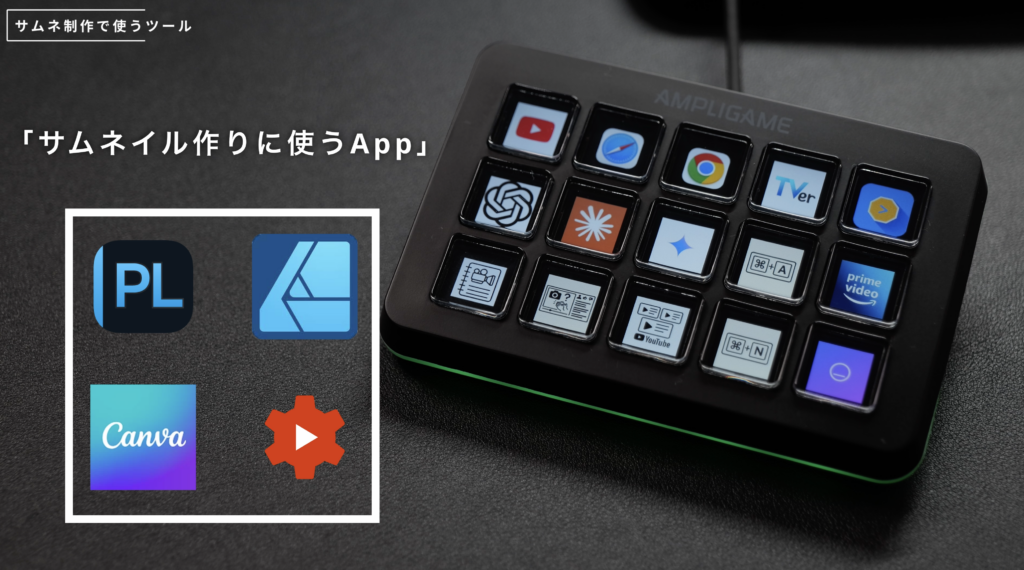
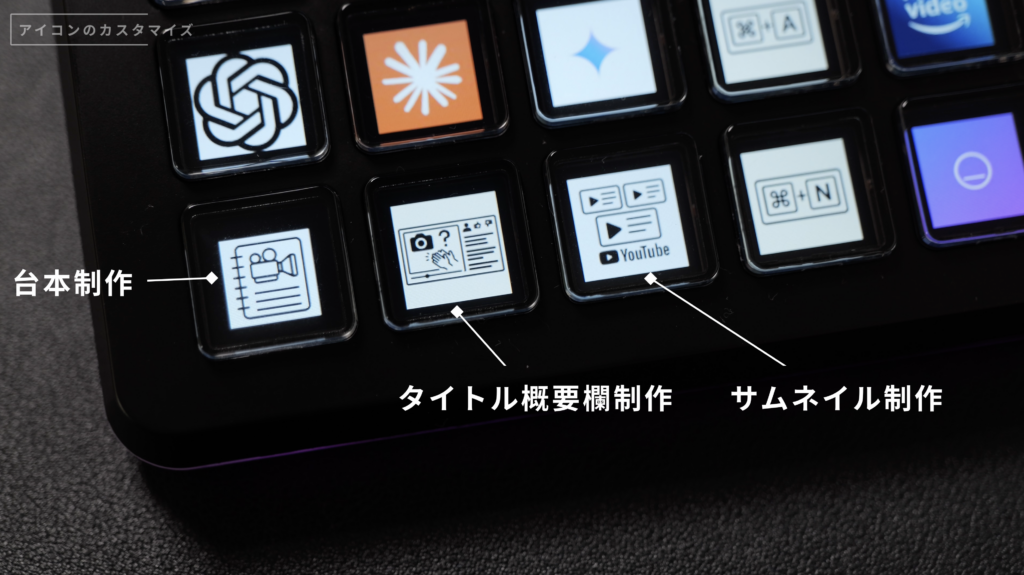
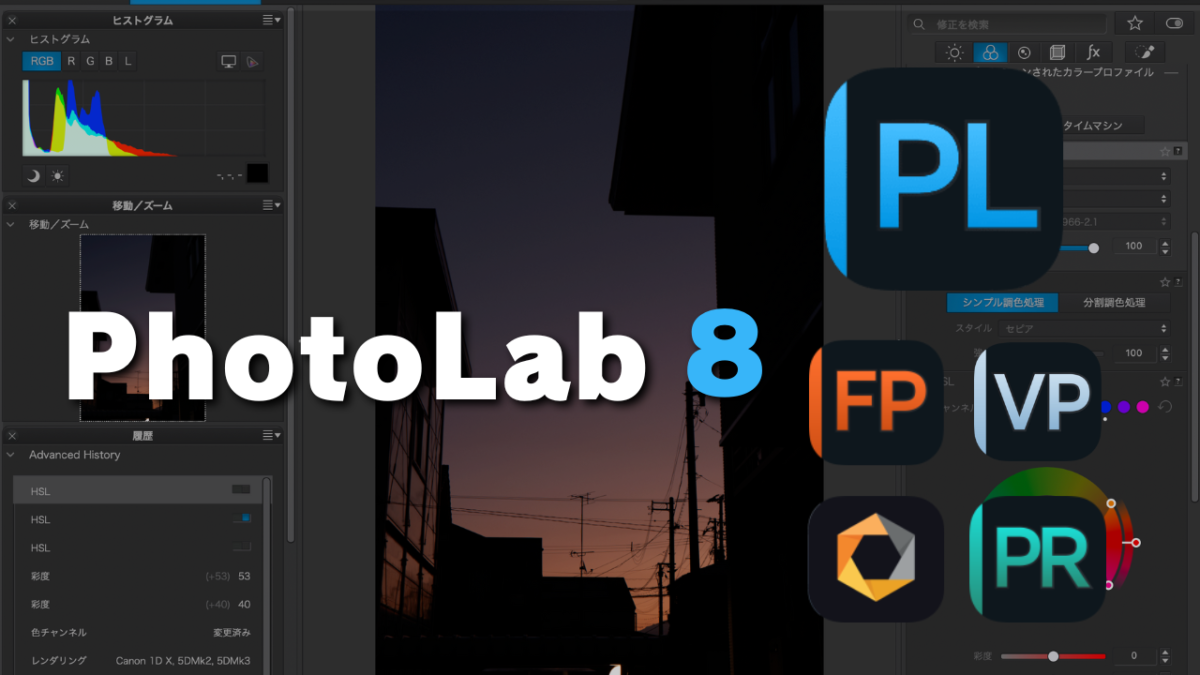
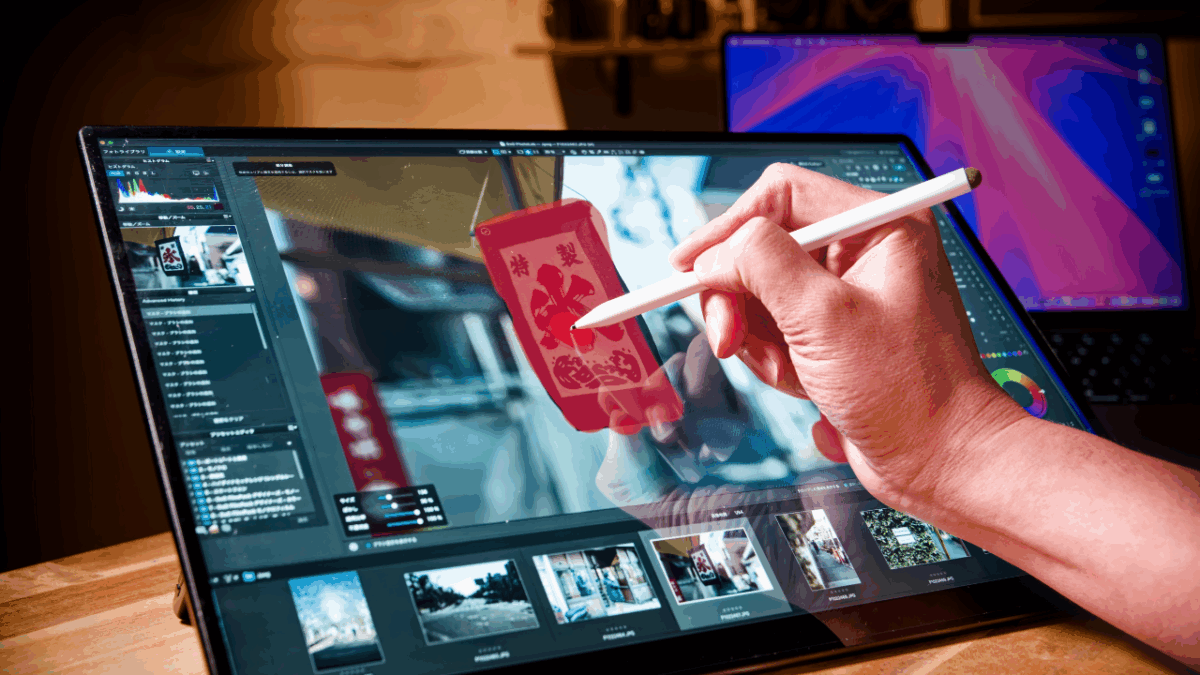
サムネイル制作を例に、複数アプリとWebサイトを同時起動する実用的なワークフローを実演。
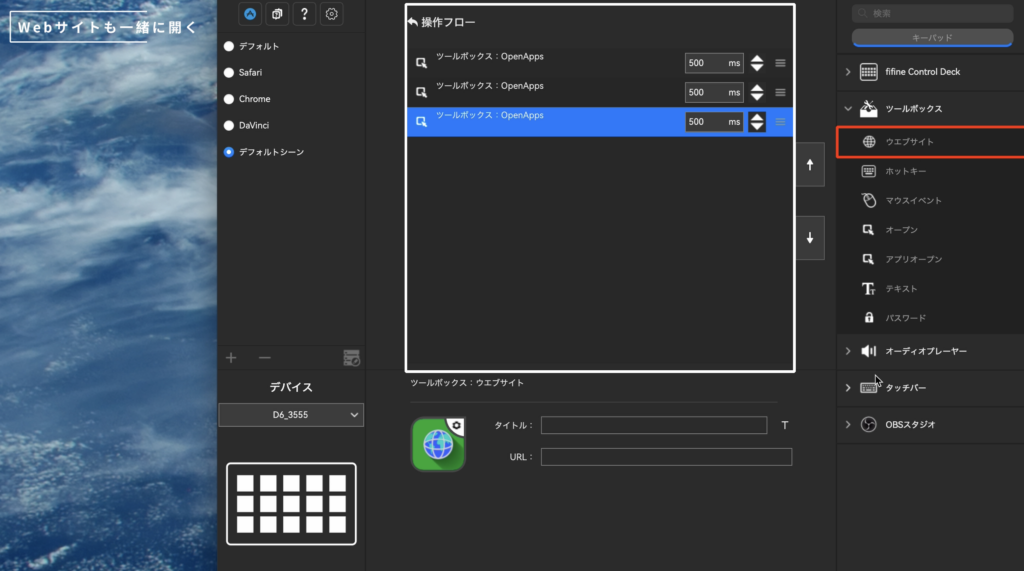
アクションフローやシーン切替など、D6の操作ロジックを制作作業に落とし込んで解説。
シーン書き出しやアプリ連動切替など、実際の制作環境で役立つ機能も検証。
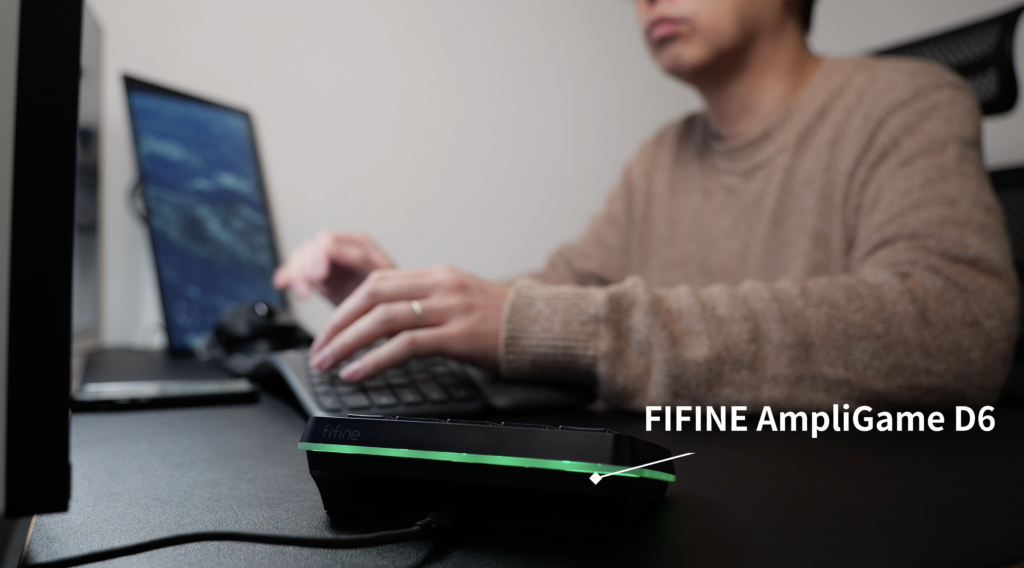
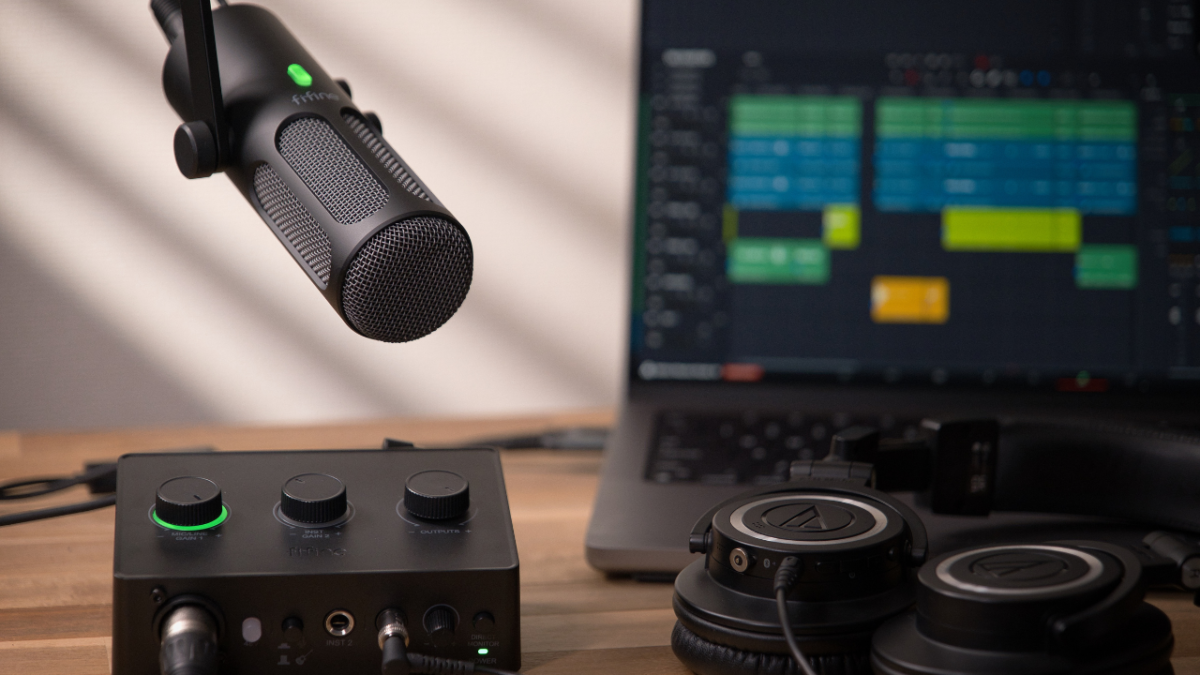
配信機材の枠を超え、日常のデスク作業を効率化するツールとして整理したレビュー構成。
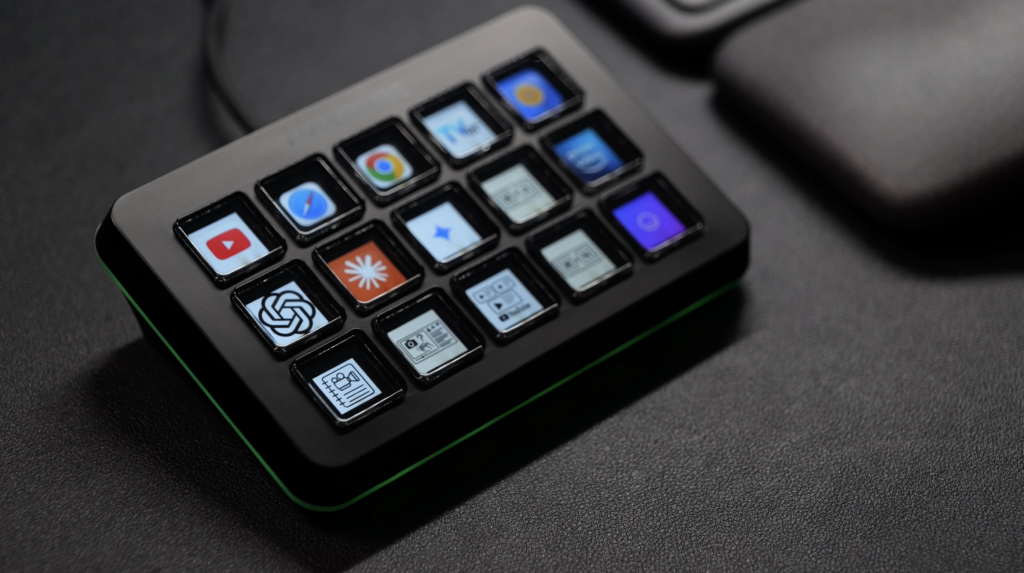
Introduces the macro pad through the concept of launching a complete workflow with a single button.
Demonstrates a practical example by opening multiple apps and a website for thumbnail creation simultaneously.
Explains the D6 control logic—such as action flows and scene switching—through real production tasks.
Tests useful features like scene export and automatic app-based scene switching in a working setup.
Frames the device not just as a streaming tool, but as a workflow optimization device for everyday desk work.